Your glucose, wherever you want it.
A small, bright dial that mirrors your FreeStyle Libre reading straight from your phone. Stand it on the dash, the worktop, your desk or the nightstand — it shows your level and the way it's trending, colour-coded to read from across the room.
Reads from your own LibreLinkUp account. A convenience display — not a medical device, and not for treatment decisions.
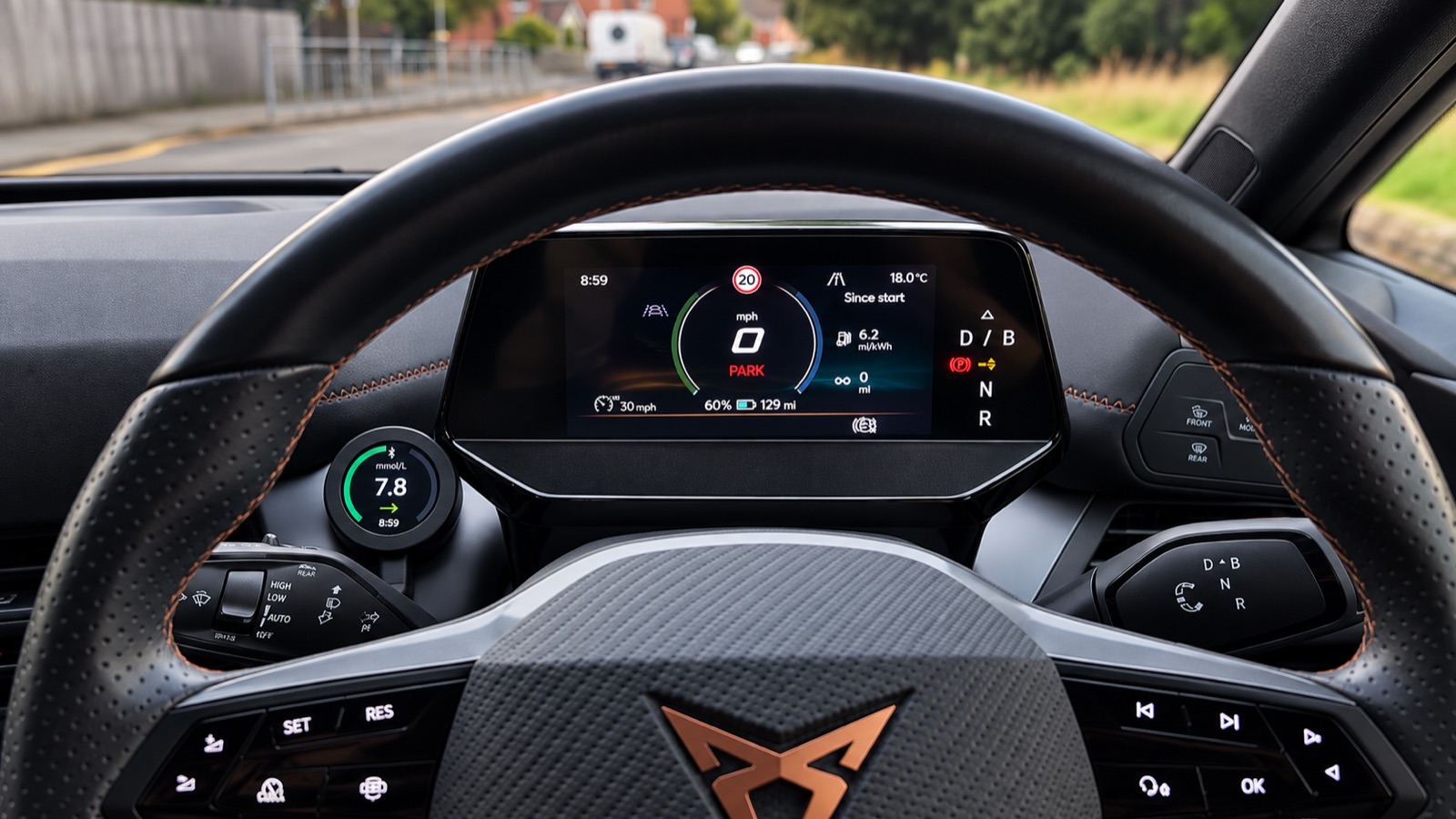
Made to sit wherever you look.
One setup on your phone covers every dial you add. Put them where they earn their place — they all stay in sync.
GlucoDial in the car
Reads like another gauge on the dash, and it's showing your level before you've even pulled off the drive.
See it in the car →GlucoDial in the kitchen
Lives on the worktop through dinner and the morning rush, readable with your hands full of something else.
GlucoDial at home
On the shelf with everything else you half-watch. Read it from the sofa, no screen to wake first.
See it at home →GlucoDial at work
Sits by the monitor and keeps to itself — no phone face-up on the desk, nothing to explain mid-meeting.
See it at work →GlucoDial in the classroom
Large enough to read across the room, so a teacher or TA can keep track too — not just the child.
See it in the classroom →GlucoDial overnight
Dims right down on the nightstand but stays legible — for the 3am check, yours or a parent's down the hall.
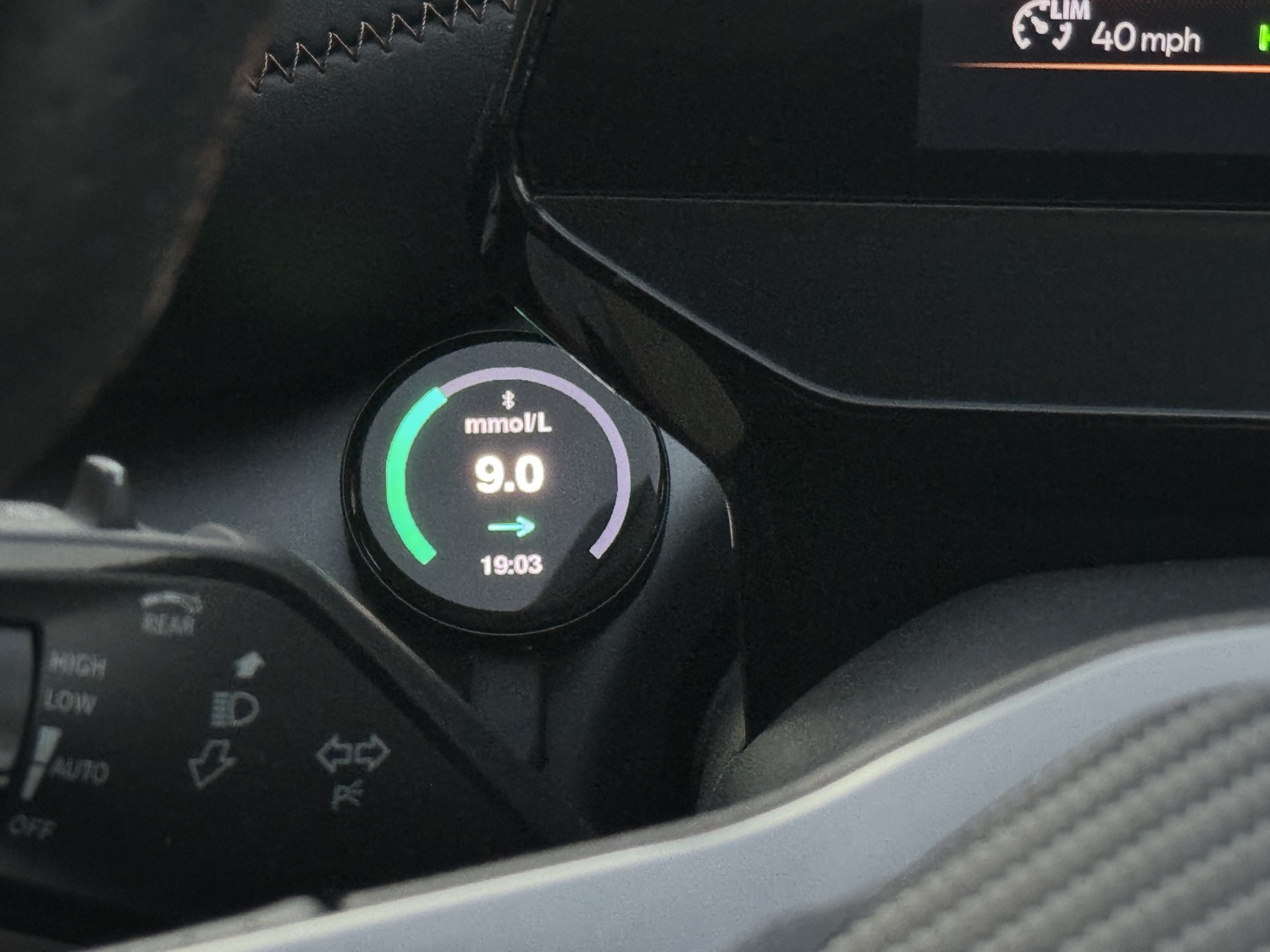
Instant clarity, zero fumbling.
The whole face is one big number inside a ring of colour. The ring is your range — green when you're fine, amber as you climb, red at the limits — and the arrow shows which way you're heading. The colour registers before the digits do, so a look from the other side of the room tells you what you need to know.
The three states, on real devices.
You set where the lines fall; the dial does the rest.
Reading 7.8.
Green — inside your target range.
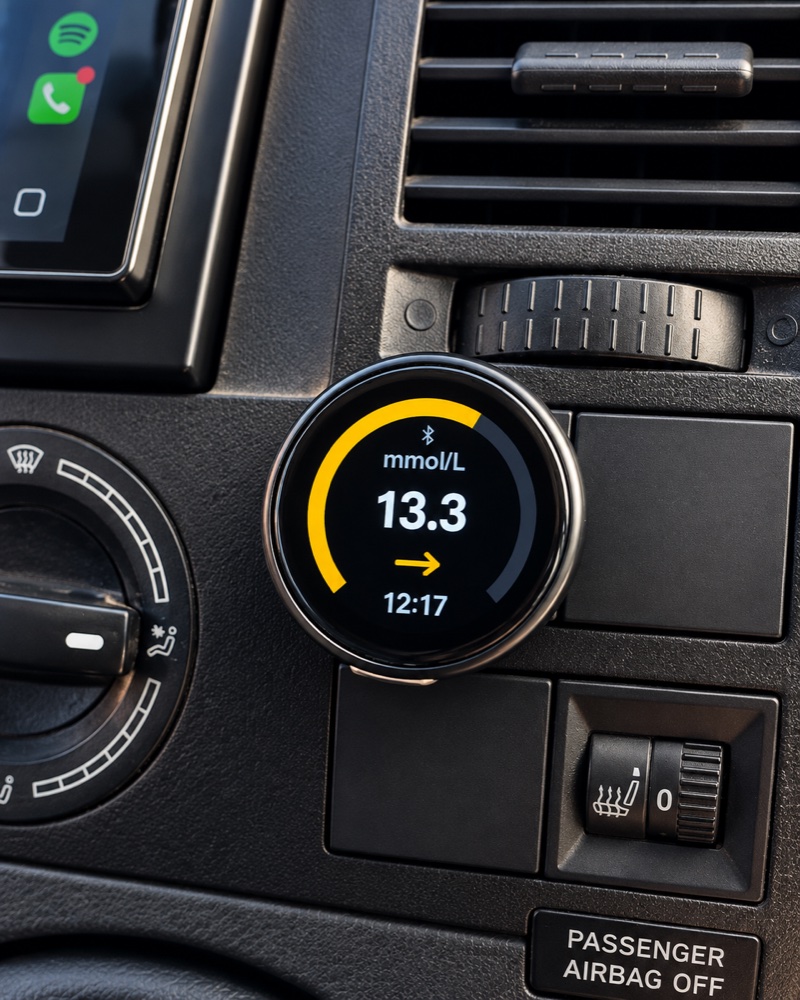
Reading 13.3.
Amber — above your target range.
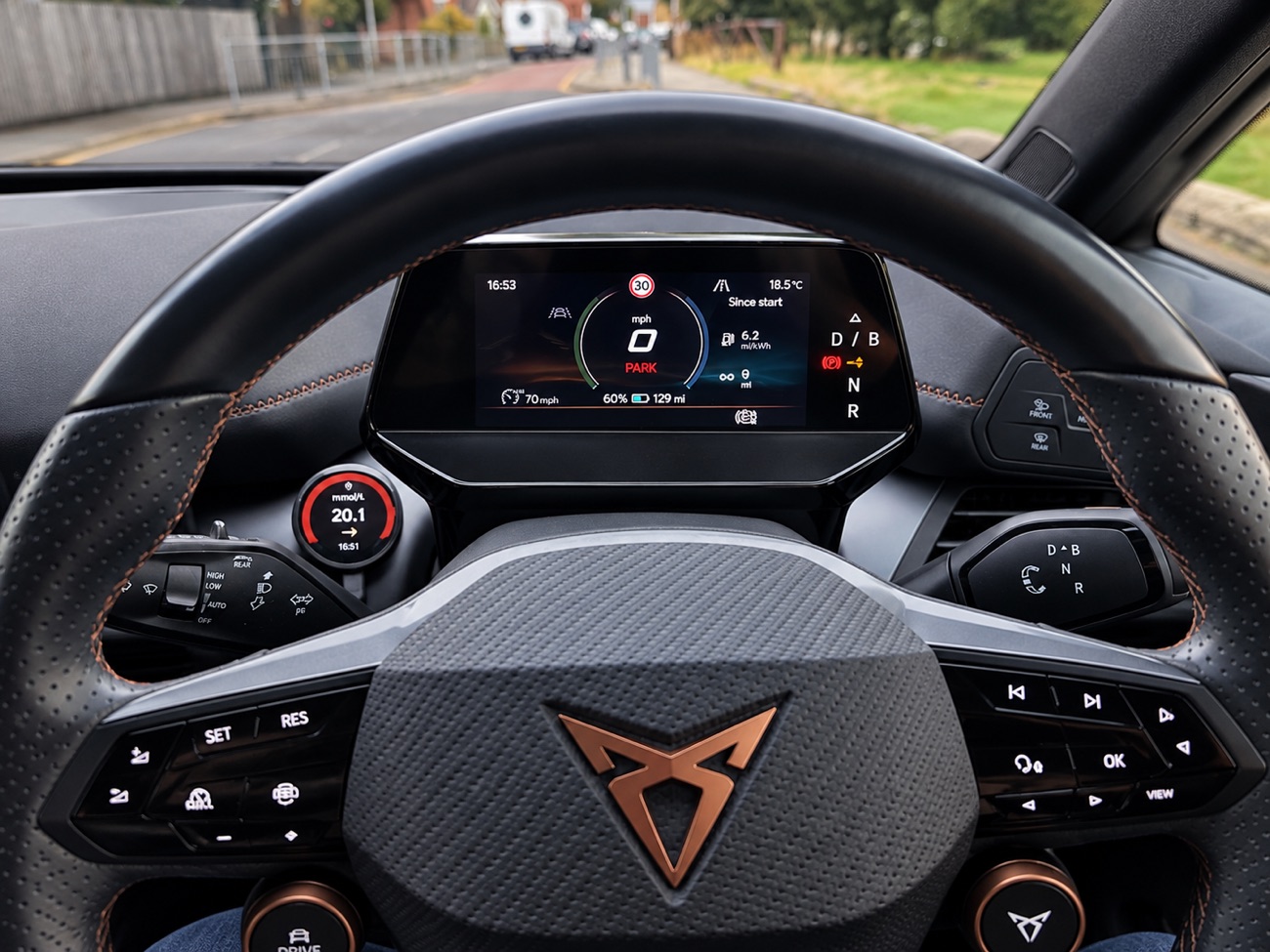
Reading 20.1.
Red — outside your set limits.
Set it up once. Every screen agrees.
Your phone signs in and does the work. Add whatever displays suit you — they all stay in sync.
The puck
The round display for the car or desk. Pairs to your phone over Bluetooth, powers from USB, and lines up the second you sit down. Comes as Basic and Pro.
Working See the range →iPhone & Android app
The hub, on iOS and Android. Signs in to LibreLinkUp and keeps your pucks fed in the background — and on iPhone your live reading is right there in the Dynamic Island and on Lock Screen widgets.
WorkingMac & Windows
A colour-coded dot in the menu bar or system tray. Click it for the value, trend and time. Same login, no extra hardware.
WorkingWatch
A simple-to-use wearable giving instant access to your blood glucose reading.
Coming soon See the Watch →Your phone does the work. Everything else just shows it.
Sign in once
Add your LibreLinkUp details. The app reads the same data Abbott's own share app does — nothing new to wear or scan.
It feeds your dials
Each new reading goes out over Bluetooth — to the dial, your Mac, your PC. No cloud of ours sits in between.
It stays current
A fresh value every few minutes, and the dial reconnects on its own whenever you come back into range.
Please read this before you rely on it
GlucoDial is a convenience display for glucose data you already have. It is not a medical device, has not been assessed or approved by any regulator, and must not be used to make treatment or dosing decisions.
Always confirm with your Libre sensor, reader, or a fingerstick before acting, and follow the advice of your healthcare team. Readings can be delayed, wrong, or missing. Not affiliated with or endorsed by Abbott.